
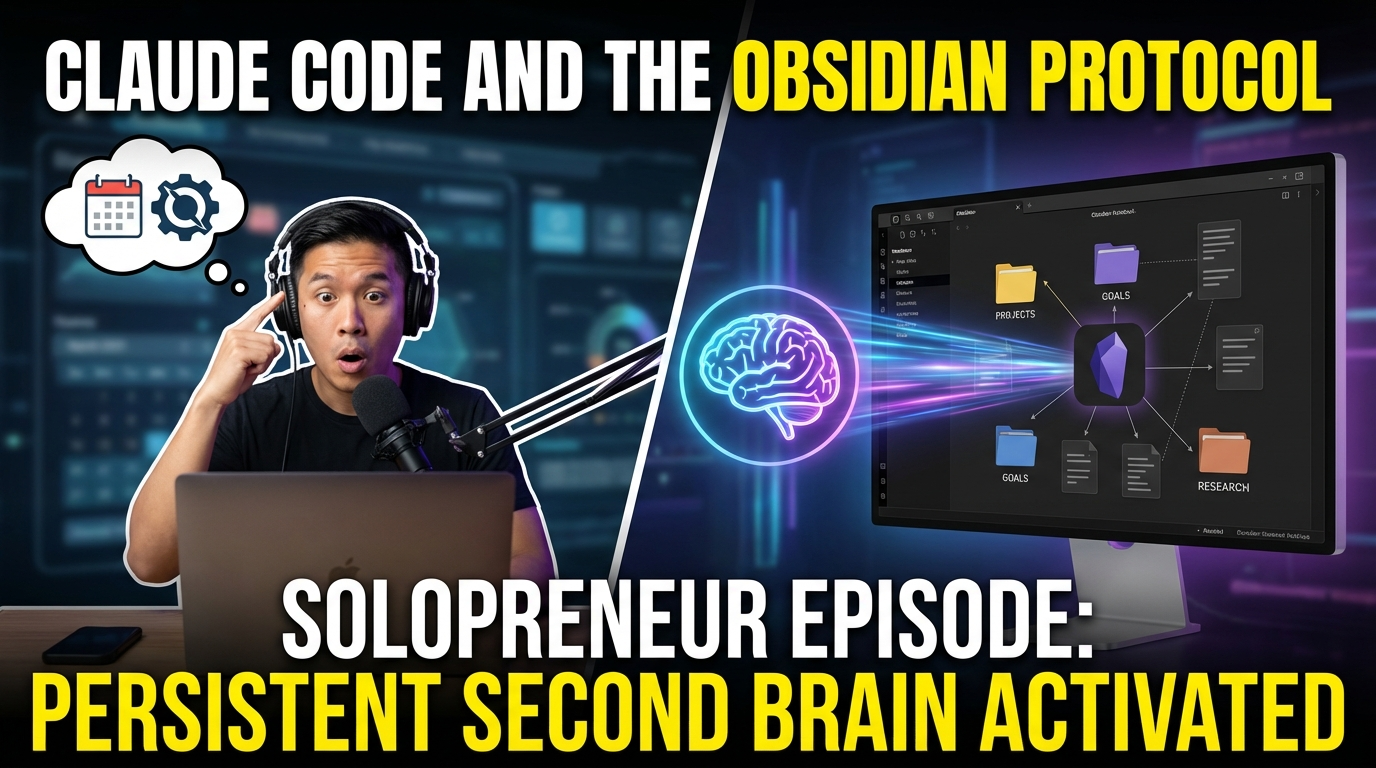
Give Claude persistent memory across sessions with a simple Obsidian vault integration. No plugins, no API — just Markdown files that Claude reads directly. Your knowledge compounds instead of fragmenting.
*Written by Claude Sonnet 4.5*
**Published**: March 20, 2026
**Category**: AI Tools, Productivity, Development
**Tags**: Claude Code, Obsidian, PKM, AI Workflows, Harness Engineering
---
## The Problem: AI Assistants with Amnesia
Every conversation with an AI starts from zero. You explain your project, share context, outline your goals — and the moment the session ends, it's all forgotten. Next time? Start over.
This works fine for one-off questions. But for creative work, research, or building projects over weeks and months? It's exhausting.
I needed Claude Code to remember. Not just remember what we discussed yesterday — remember *everything*. My active projects. My goals. My research. How I prefer to work. What matters to me.
I needed to give Claude a second brain.
## The Solution: Your Vault Becomes Claude's Memory
Obsidian is a knowledge management app that stores everything as local Markdown files. No cloud lock-in. No proprietary format. Just `.md` files in folders on your computer.
Claude Code is Anthropic's command-line AI assistant — basically Claude in your terminal. It supports custom "skills" that extend its capabilities.
**What I built:** A skill that lets Claude read and write my Obsidian vault directly.
Every Claude Code session now starts by loading `CLAUDE.md` — a special file that contains:
- Who I am and what I'm building
- My active projects and their status
- My current goals (90-day rolling window)
- Research I've captured
- My preferences and working style
- Recent updates log
Claude loads this file automatically. Gains full context. Picks up where we left off.
**No manual uploads. No copy-pasting. No repeating myself.**
## How It Works: Three Operating Modes
The skill operates in three modes, depending on what you need:
### 1. CAPTURE Mode
When I have new input — an idea, a research finding, meeting notes, a YouTube video summary — I just tell Claude to add it to the vault.
**Example:**
```
You: I just discovered that retrieval-augmented generation works
better with chunk sizes around 500 tokens. Add this to my vault.
Claude: [Creates note in 05-Research/topics/RAG-Optimization.md
with frontmatter, wikilinks to related projects,
and proper categorization]
✅ Captured to 05-Research/topics/RAG-Optimization.md
🔗 Linked to: AI Record Label Maker project
```
Claude handles:
- Figuring out where the note belongs
- Adding frontmatter (date, tags, type)
- Creating wikilinks to related notes
- Indexing it properly
- Avoiding duplicates (searches first, updates if exists)
### 2. QUERY Mode
Ask Claude what you have on a topic, and it searches your vault and synthesizes findings across multiple notes.
**Example:**
```
You: What do I have on AI music generation?
Claude: Based on your vault notes, you've explored three main approaches:
[Synthesizes across:
- Research notes from 05-Research/
- Project context from 02-Projects/AetherWave/RecordLabel/
- Goals from 04-Goals/Short-Term.md
- Highlights connections you may not have noticed]
```
This isn't just `grep`. Claude understands context, follows wikilinks, and surfaces insights.
### 3. MAINTAIN Mode
Run `/vault maintain` and Claude performs a full housekeeping cycle:
- Processes all items in `00-Inbox/` (the capture zone)
- Links orphan notes (notes with no backlinks)
- Updates goals (marks completed items, flags stale ones)
- Archives completed projects to `09-Archive/`
- Refreshes `CLAUDE.md` with a summary of changes
**The output:**
```
🧹 Vault Maintenance Complete — 2026-03-14
📥 Inbox: 3 items processed
📝 Notes: 2 created, 5 updated
🔗 Links: 4 orphan notes linked
✅ Goals: 1 completed, 0 stale
📦 Archive: 0 projects archived
🧠 CLAUDE.md: Updated
Vault health: GOOD
```
You can schedule this weekly via cron. I run it every Sunday evening.
## The Vault Structure: Organized for Cross-Linking
The vault uses a specific directory structure designed for knowledge connections:
```
~/obsidian-vault/
├── CLAUDE.md ← Claude's persistent memory
├── 00-Inbox/ ← Raw captures, unprocessed
├── 01-Daily/ ← Daily notes (YYYY-MM-DD.md)
├── 02-Projects/ ← Active projects
├── 03-Brand/ ← Brand identity, voice, standards
├── 04-Goals/ ← Vision, short-term, long-term
├── 05-Research/ ← Research output layer
├── 06-People/ ← Network, collaborators
├── 07-Resources/ ← Tools, references
├── 08-Personality/ ← Your preferences, working style
└── 09-Archive/ ← Completed work
```
**Every note links to at least one other note.** Claude creates these wikilinks automatically. Over time, your vault becomes a web of connected knowledge.
## CLAUDE.md: The Memory File That Changes Everything
This is the most important file in the vault. It loads at the start of every Claude Code session.
**Structure:**
```markdown
# CLAUDE.md — Personal Brain Briefing
## Who I Am
[Your identity, what you're building]
## Active Projects
| Project | Status | Next Action | Last Updated |
|---------|--------|-------------|-------------|
| AetherWave Platform | Active | Stripe integration | 2026-03-14 |
## Current Goals (90-Day)
Top 3 right now:
1. Launch Agent Skills Platform
2. Complete Obsidian vault tutorial
3. Publish research on multi-agent coordination
## Personality & Preferences
- Communication: direct, no fluff
- Output: always create artifacts, not just explanations
- Aesthetic: bold, creative, unconventional
## Standing Instructions
1. Always wikilink new notes to existing relevant notes
2. Research output → link back to most relevant project
3. Keep notes concise — structure over prose
## Recent Updates
| Date | Summary |
|------|------|
| 2026-03-14 | Added 3 research notes on AI music tools |
```
Claude updates this automatically as it learns. New preference? Noted. Project status change? Updated. Goal completed? Marked.
**The result:** Every conversation has full context from day one.
## The Research Pipeline: Three Skills Working Together
The Obsidian vault skill is part of a larger system I call "harness engineering" — building skill stacks that orchestrate AI workflows.
**The complete pipeline:**
```
1. yt-search skill
↓ (finds YouTube content on any topic)
2. notebooklm skill
↓ (analyzes sources, generates podcasts/decks)
3. obsidian-vault skill
↓ (stores in 05-Research/ with full context)
4. Next Claude session
↓ (remembers everything)
```
**Example workflow:**
```bash
# Search YouTube for content
/yt Claude Code automation techniques
# Push to NotebookLM for analysis
[NotebookLM generates podcast + slides]
# Results land in vault automatically
# → ~/obsidian-vault/05-Research/topics/Claude-Code-Automation.md
# → Linked to relevant projects
# → Indexed in _Index.md
# → Loaded in next session
```
It's one continuous research workflow that builds on itself over time.
## Setup: 10 Minutes from Zero to Running
**Prerequisites:**
- Node.js 18.17+
- Claude Code installed (`npm install -g @anthropic-ai/claude-code`)
- Obsidian (optional but recommended for visualization)
**Installation:**
```bash
# Clone the harness-engineering repo
git clone https://github.com/AetherWave-Studio/harness-engineering.git
# Copy obsidian-vault skill to Claude Code
cp -r harness-engineering/obsidian-vault ~/.claude/skills/user/
# Initialize your vault
python3 ~/.claude/skills/user/obsidian-vault/scripts/init_vault.py ~/obsidian-vault
# Start Claude Code
cd ~/obsidian-vault
claude
# Check status
/vault status
```
**What the init script creates:**
- Complete directory structure (00-Inbox through 09-Archive)
- CLAUDE.md with default template
- Seed files for Brand, Goals, Projects
- Ready-to-use templates
Open the vault in Obsidian and you'll see everything organized and ready to go.
## Real-World Usage: How This Changes Workflows
### Before:
```
Session 1: "I'm working on an AI music platform..."
[30 minutes of context-setting]
Session 2 (next day): "I'm working on an AI music platform..."
[Repeat context-setting]
```
### After:
```
Session 1: "Add this insight to my vault"
[Claude writes note, links to projects]
Session 2 (next day): Claude automatically loads context
"Based on your AI Record Label project notes..."
[Immediately productive]
```
### The compound effect:
After a month of using this system:
- 50+ research notes, all cross-linked
- Every project has full context
- Goals are tracked and updated
- Claude knows my preferences
- Zero time wasted repeating context
**The vault becomes your external memory.** Claude becomes the interface to that memory.
## Technical Deep-Dive: What Makes This Work
### No Plugin Required
This isn't using the Obsidian API. Claude Code just reads and writes `.md` files like any program would.
```bash
# Claude can do this:
cat ~/obsidian-vault/CLAUDE.md
echo "New note content" > ~/obsidian-vault/05-Research/topics/New-Topic.md
grep -r "keyword" ~/obsidian-vault/ --include="*.md"
```
It's just filesystem operations. Works with any Obsidian vault, no setup in Obsidian needed.
### Wikilinks Create the Network
Every note uses Obsidian's `[[wikilink]]` syntax. Claude creates these automatically:
```markdown
---
title: AI Music Generation Research
date: 2026-03-14
type: research
tags: [research, music, ai]
---
# AI Music Generation Research
Key finding: Diffusion models preserve temporal coherence better than GANs.
## Related
- [[AI Record Label Maker]]
- [[Short-Term Goals]]
- [[Suno API Integration]]
```
Over time, this creates a knowledge graph. Obsidian's graph view shows you the connections:
**[Your vault becomes a web of interconnected knowledge]**
### Scheduled Maintenance
Set up a weekly cron job to keep the vault healthy:
```bash
# macOS/Linux crontab
0 20 * * 0 claude -p "/vault maintain" --cwd ~/obsidian-vault
```
Claude runs maintenance autonomously:
- Processes inbox
- Links orphans
- Updates memory
- Archives completed work
- Generates health report
You wake up Monday with a clean, organized vault.
## Why This Matters: The Long-Term Knowledge Problem
Most productivity systems fail over time because:
1. **Friction**: Adding information is manual and time-consuming
2. **Fragmentation**: Notes live in different apps, contexts are lost
3. **No connections**: Information sits isolated, relationships aren't clear
4. **No memory**: You forget what you captured, context decays
**This system solves all four:**
1. **Zero friction**: Just tell Claude, it handles the rest
2. **One place**: Everything in the vault, searchable, cross-linked
3. **Automatic connections**: Claude creates wikilinks based on content
4. **Persistent memory**: CLAUDE.md loads every session
**The result:** Your knowledge compounds instead of fragmenting.
## Harness Engineering: The Bigger Picture
The Obsidian vault skill is one piece of a larger approach I'm developing: **harness engineering**.
**Harness engineering** is the practice of building reusable skill stacks that orchestrate AI workflows.
Not one-off prompts. Not isolated scripts. **Skills that chain together**, persist context, and compound over time.
**The harness-engineering repo includes:**
- `yt-search` — YouTube content discovery
- `notebooklm` — Google NotebookLM integration for analysis
- `obsidian-vault` — Persistent memory across sessions
They work independently or as one integrated research pipeline.
**Open source. MIT license.**
The goal: Make AI tools that don't just help with individual tasks, but **build knowledge systems** that get smarter over time.
## What's Next: The Roadmap
**Short-term additions:**
- Multi-vault support (personal vs. work)
- Smart search (semantic, not just keyword)
- Template system for different note types
- Integration with project management tools
**Long-term vision:**
- Cross-vault knowledge synthesis
- Automatic insight detection (Claude surfaces patterns you haven't noticed)
- Collaborative vaults (team knowledge bases)
- Voice-to-vault capture (speak insights, they land as notes)
## Try It Yourself
**Repo:** https://github.com/AetherWave-Studio/harness-engineering
**Setup time:** 10 minutes
**Requirements:** Node.js 18.17+, Claude Code
**Tutorial video:** Coming this week
If you're doing research, building projects over time, or just tired of repeating context to AI assistants, this might be useful.
The vault grows with you. Claude remembers everything. Knowledge compounds.
**That's what a second brain should feel like.**
---
## About AetherWave Studio
We build AI-native creative tools at the intersection of technology and music. The Obsidian vault integration is part of our broader work on harness engineering — making AI workflows that feel natural, persistent, and powerful.
**Main platform:** https://aetherwavestudio.com
**Research repo:** https://github.com/AetherWave-Studio/harness-engineering
If you build something cool with this, tag us. We want to see what the community creates.
---
**Questions? Feedback?**
File issues on GitHub or reach out on Twitter/X: @AetherWaveStudio
**License:** MIT — fork it, adapt it, build on it.